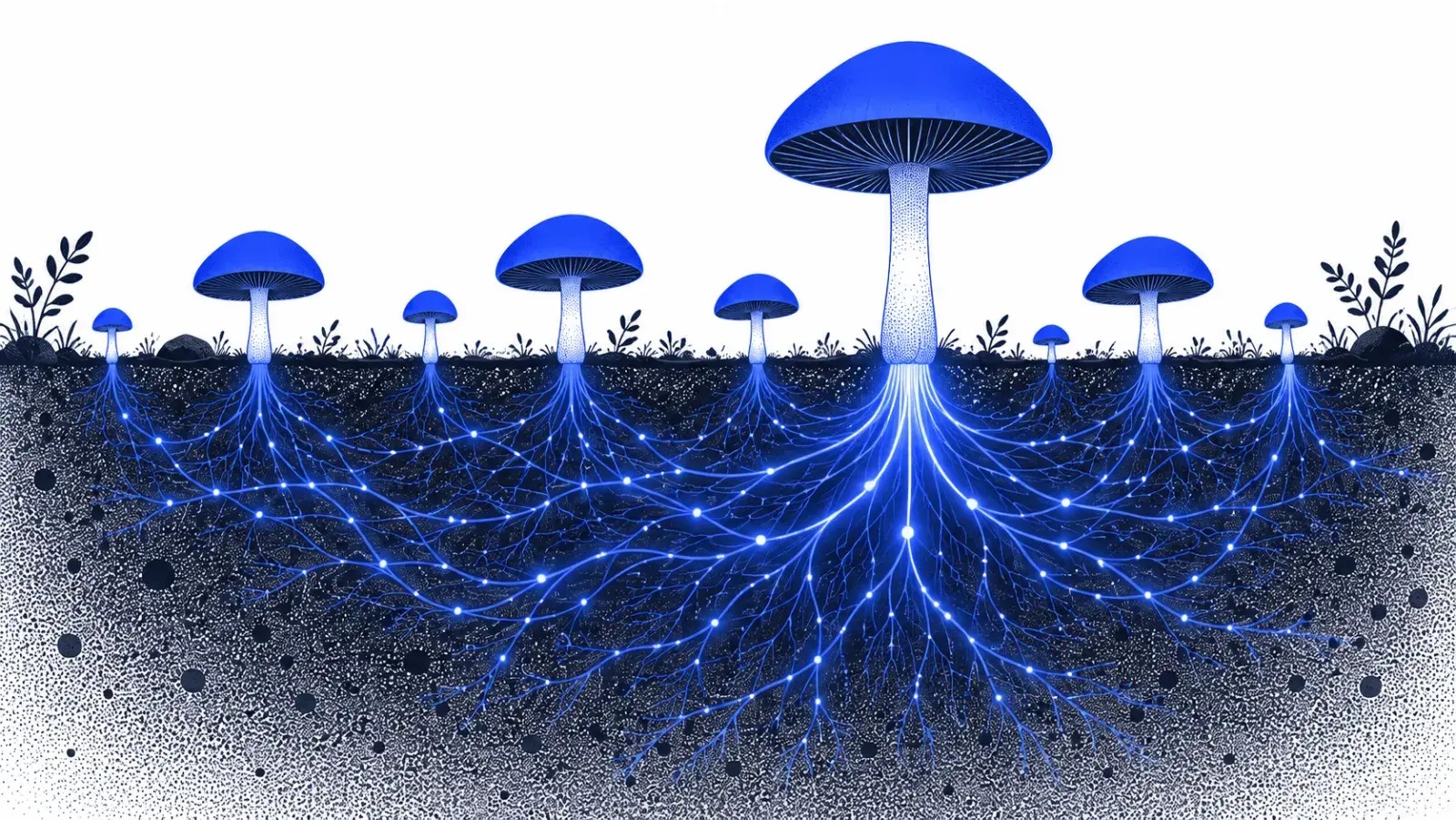
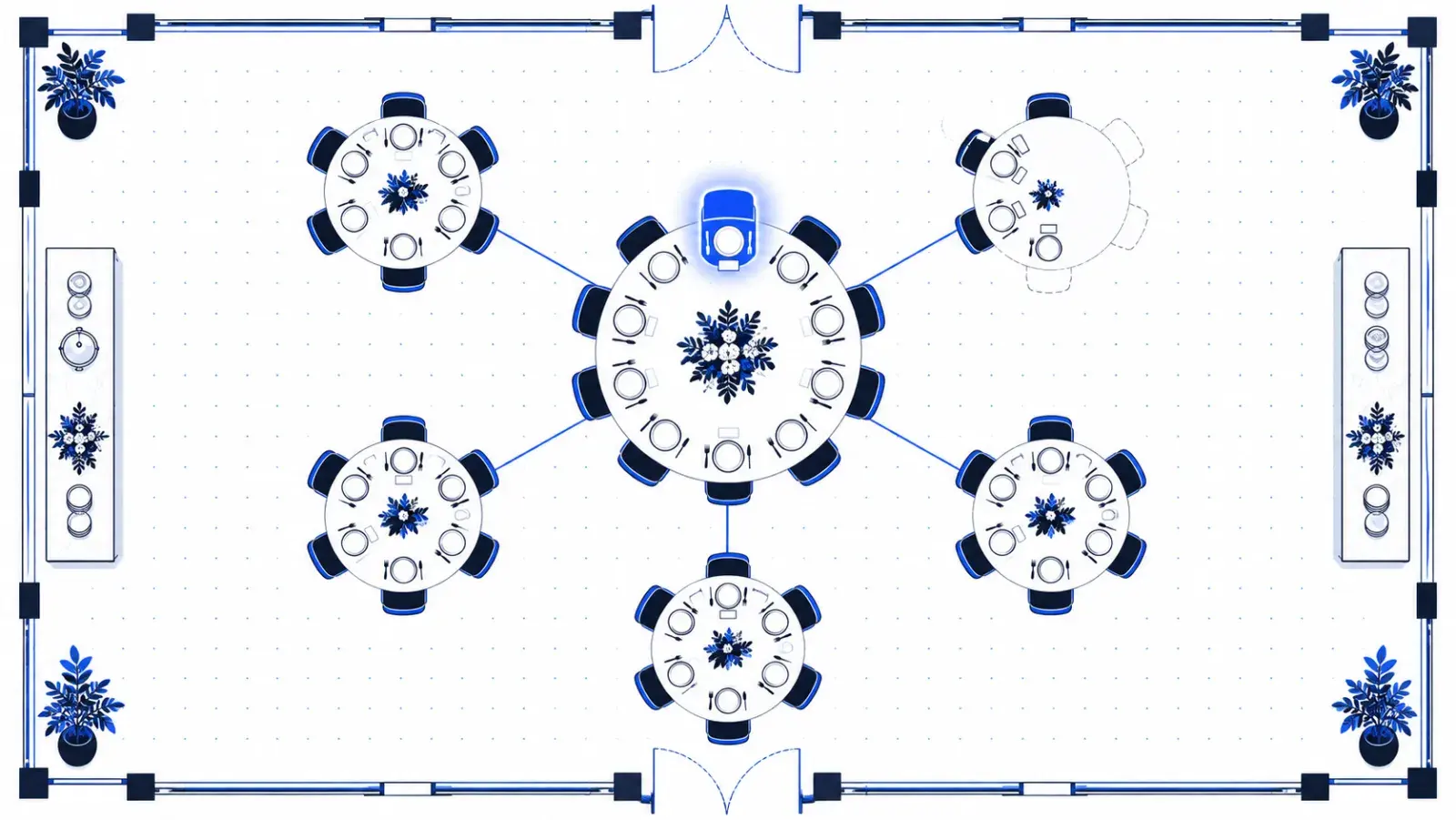
A topic cluster is a hub page covering a subject broadly, surrounded by articles that each answer one specific question about it, all linked together. For a new site, clusters are the fastest route to authority because they concentrate everything you publish on a few subjects instead of spreading it thin.
Pick two or three clusters, not ten
Choose subjects that sit right next to what you sell, where the questions buyers ask are specific enough that big publishers haven't covered them well. Narrow is good: "internal linking for Shopify stores" is winnable long before "SEO" is. Choosing keywords you can win shows how to tell.
Map the questions before you write
- List the questions a buyer asks from first noticing the problem to choosing a solution.
- Check what ranks for each one, and note what those pages miss.
- Merge questions that one article can answer well.
- Mark which question the hub page answers, and which each supporting article answers.
| Question | Buyer stage | Format | Role |
|---|---|---|---|
| How do internal links help a Shopify store? | Problem | Guide | Hub |
| How do I link products from blog posts? | Solution | How-to | Supporting |
| What anchor text should product links use? | Solution | How-to | Supporting |
| Which internal linking app suits Shopify? | Comparison | Comparison | Supporting, links to the product page |
Link the cluster on purpose
- Every supporting article links up to the hub.
- The hub links down to every supporting article.
- Supporting articles link sideways where one question naturally leads to another.
- The hub links to the product or feature page that the whole cluster supports.
Google's link guidance says every page you care about should have a link from at least one other page on your site. A cluster guarantees each page has several, from the pages most related to it.
Hub, pillar or cluster page?
The names vary. Some call the broad page a pillar, others a hub or a cornerstone; supporting articles are also called cluster or spoke pages. The structure is the same: one broad page, many specific ones, linked both ways.
How this site's clusters are built
| Cluster | Hub | Supporting articles | Free tool |
|---|---|---|---|
| AI citations | AI visibility | 5 | AI visibility checker, llms.txt generator |
| Content automation | SEO article writer | 3 | None yet |
| Internal linking | Internal linking | 2, including this one | None yet |
| Publishing and schema | Auto-publishing | 1 | Schema checker |
None of them is finished. By the rule below, each needs eight to twelve supporting articles. That's the honest state of a young site, and the table is the plan.
Finish a cluster before starting the next
Half a cluster is weaker than a finished one. Aim for a hub plus eight to twelve supporting articles before opening a new subject, then watch which queries start to move in Search Console. Those tell you where the cluster needs another article.
Assistants raise the stakes. Google says its AI features break one question into several related searches, a technique it calls query fan-out. A finished cluster has a page ready for each of them.
For the link rules themselves, see internal linking that moves your money pages.
Two or three finished clusters is 20 to 40 articles, every one linked into place, before a new site has the authority to go broader. At the two to four a week most teams can write by hand, that's months of work. AutomatedSEO plans each month around your clusters and writes 30 articles in your voice. Our internal linking feature then links each one up to its hub and across to its neighbours as it publishes, and updates older articles to link back.
Fill your first topic clusters in weeks, not months
AutomatedSEO researches, writes and publishes 30 articles a month to your connected CMS.
3-day trial · Cancel any time
Sources
Checked on 27 September 2026.
Written by
Founder and SEO enthusiast
Mielad Niekzad is the founder of AutomatedSEO and an SEO enthusiast.
More from Mielad Niekzad