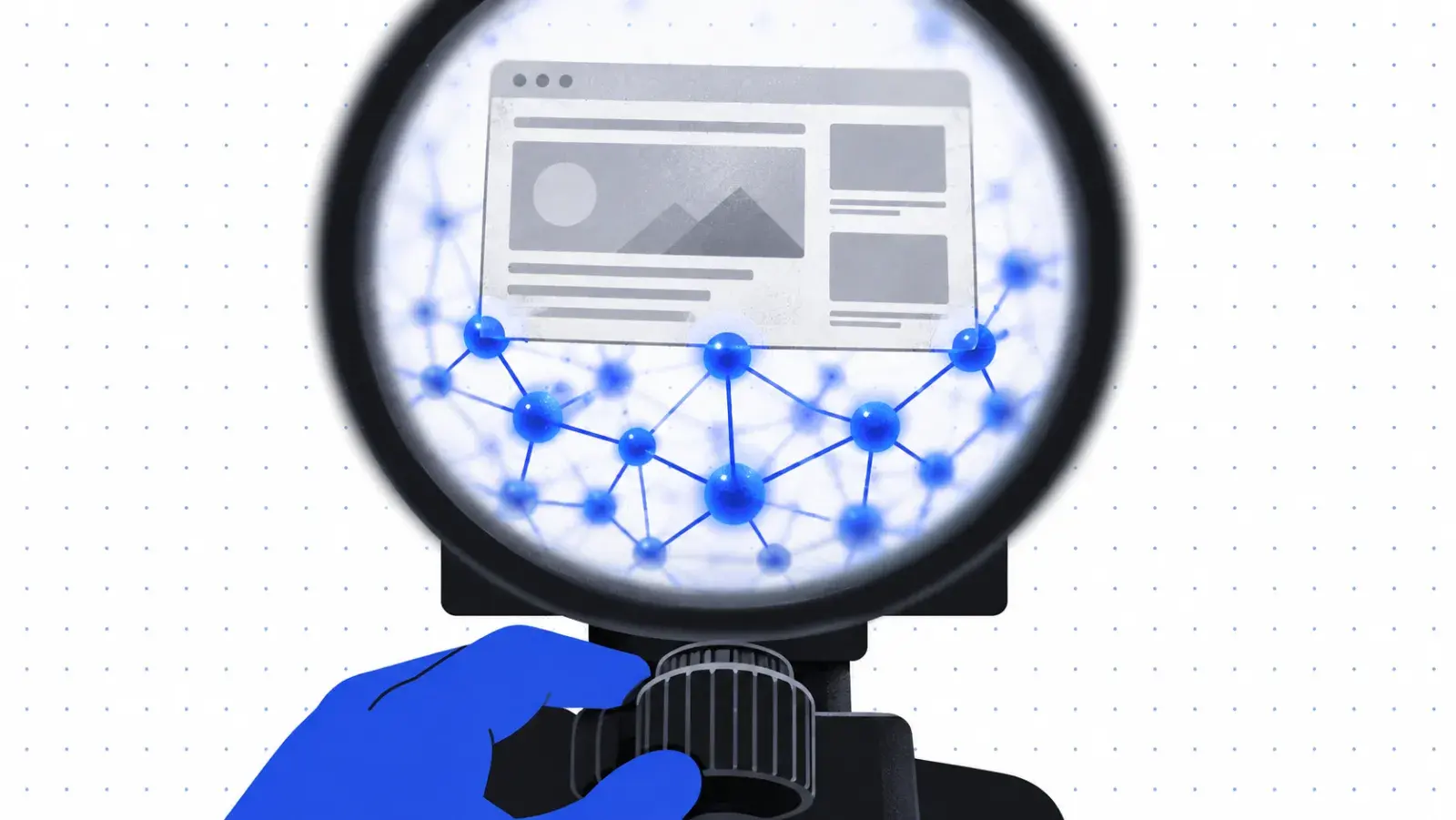
Structured data doesn't make a page rank. It makes a page legible: it tells search engines and extractors what the page is, who published it and when it last changed. That legibility is what earns rich results and makes a page easier to quote. Google says its AI features need no special markup, so ship schema for accuracy, not as a trick for generative engine optimisation.
The minimum worth shipping
- BlogPosting (or Article): headline, description, image, datePublished, dateModified, author and publisher. Google lists no required properties, only recommended ones.
- Organization on the site level, with the logo and a stable @id the articles reference.
- BreadcrumbList, so the path shows in results instead of a raw URL. Since January 2025 Google shows breadcrumbs on desktop only.
- FAQPage only when the page really answers those questions on the page. Google stopped showing FAQ rich results on 7 May 2026, so it no longer earns a special result there.
A complete BlogPosting example
This is the markup this post ships, trimmed for length. It's generated from the same data that renders the page, which is the only reliable way to keep the two in step.
{
  "@context": "https://schema.org",
  "@type": "BlogPosting",
  "headline": "The schema every blog post should ship",
  "description": "The handful of structured-data fields worth adding, what each one does, and where people get them wrong.",
  "image": "https://automatedseo.app/blog/schema-every-blog-post-should-ship.jpg",
  "datePublished": "2026-08-19",
  "dateModified": "2026-09-27",
  "mainEntityOfPage": "https://automatedseo.app/blog/schema-every-blog-post-should-ship",
  "author": {
    "@type": "Person",
    "name": "Mielad",
    "url": "https://automatedseo.app/authors/mielad",
    "jobTitle": "Founder and SEO enthusiast"
  },
  "publisher": {
    "@type": "Organization",
    "name": "AutomatedSEO",
    "url": "https://automatedseo.app"
  }
}Article, BlogPosting or TechArticle?
| Type | Use it for |
|---|---|
| BlogPosting | Posts on a blog: dated, authored, part of a series. |
| Article | News and general articles that aren't part of a blog. |
| TechArticle | How-to and reference pages with technical steps or code. |
Get the author right
Put only the person's name in author.name: no job title, no honorific, no company. Point author.url at a profile page on your own site, and list co-authors as separate people rather than one combined name. Google's article documentation recommends all three, and they're the fields that tell an assistant who stands behind a claim.
dateModified is the one people fake
Bumping dateModified without changing the content is a habit that gets sites ignored. Set it from the real edit, and make the edit visible in the text: a changed number, a new section, a removed claim.
Keep JSON-LD and the page in agreement
If the schema says the author is someone the page never mentions, or the headline differs from the H1, you have given a machine two stories. Generate the JSON-LD from the same data that renders the page, so they can't drift apart.
Schema describes a page; it can't fix one that isn't worth quoting, which is what structuring a page an assistant will quote covers. The links inside that page matter as much as its markup: see internal linking that moves your money pages.
Keeping markup right by hand is where a growing blog comes unstuck: a template change, a forgotten dateModified, an author field that no longer matches the byline. Nobody notices until the rich results quietly disappear. Every article AutomatedSEO publishes through auto-publishing arrives with its schema already in place. That means Article markup, FAQ markup where the article answers questions, its real publish date, and a modified date that changes only when the content does.
Publish every article with its schema already right
AutomatedSEO researches, writes and publishes 30 articles a month to your connected CMS.
3-day trial · Cancel any time
Sources
Checked on 27 September 2026.
Written by
Founder and SEO enthusiast
Mielad Niekzad is the founder of AutomatedSEO and an SEO enthusiast.
More from Mielad Niekzad